
Plan Before You Cable
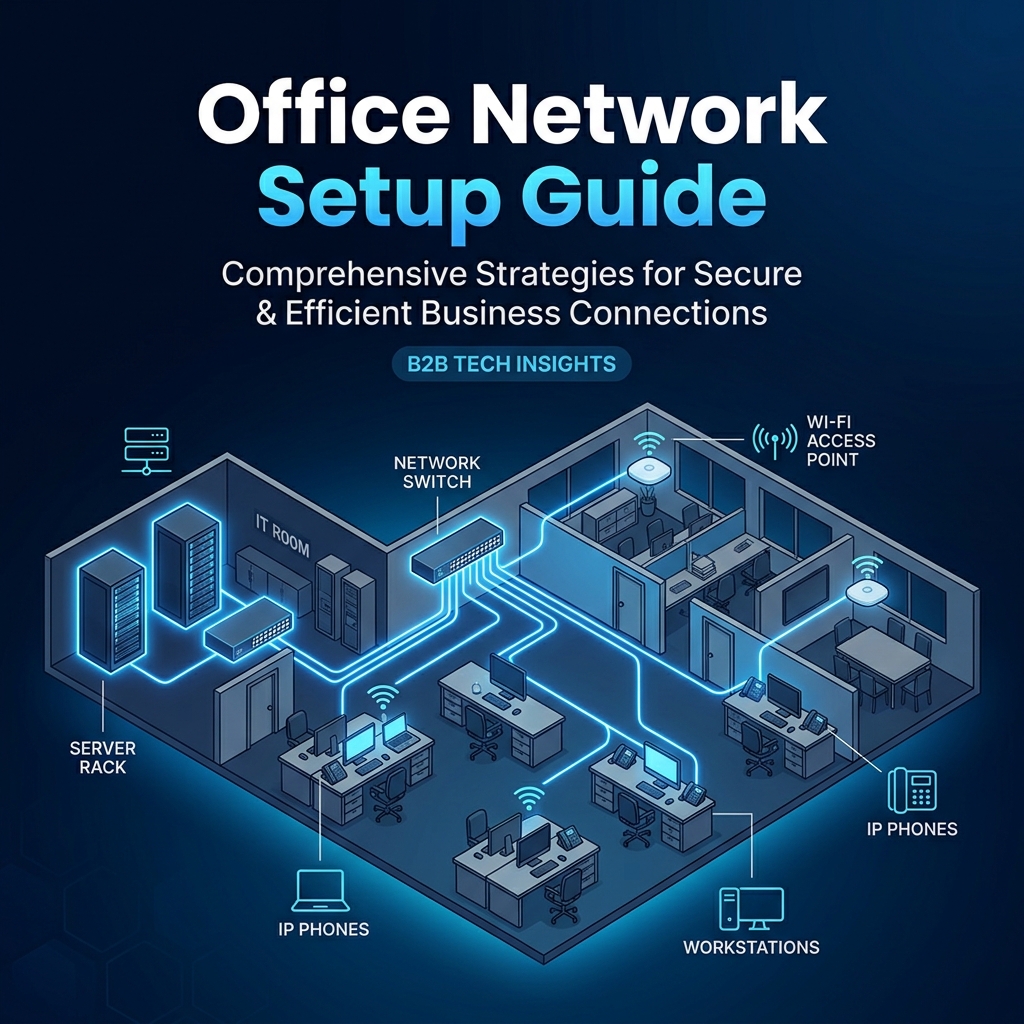
The most common cause of office network problems is skipping the planning step and going straight to installation. Before any cable is run, map out device locations (desks, printers, access points, cameras), rough device counts per area, and where the server/network room will be — ideally central to the floor plan to keep cable runs within the 100m limit.
Step 1: Structured Cabling
Run Cat6A cabling from every outlet location back to a central patch panel, following proper pathway planning and labelling standards. This is the foundation everything else depends on — get this step right, or every subsequent step inherits the problem.
Step 2: Core Switching
Choose managed switches with enough ports for current devices plus reasonable headroom for growth. PoE (Power over Ethernet) switches are worth the small extra cost, since they power IP phones, access points, and cameras over the same cable that carries data — no separate power adapters needed at each device.
Step 3: Internet and Firewall
Size your internet connection for actual usage — video calls, cloud applications, and backups all add up faster than expected. A proper business-grade firewall (not a consumer router) at the edge gives you real traffic visibility and security policy control, rather than a black box that either works or does not.
Step 4: VLAN Segmentation
Before connecting devices, plan your VLANs: typically separate segments for staff data, voice/IP phones, CCTV, guest Wi-Fi, and any IoT devices. This keeps a compromised guest laptop from reaching your file server, and keeps camera traffic from competing with video calls for bandwidth.
Step 5: Wi-Fi Design
Rather than placing access points wherever is convenient, do a basic walk-through to identify likely dead zones — thick walls, server rooms, and large open areas typically need more coverage than a floor plan suggests. Use centrally managed access points (such as Ubiquiti UniFi or similar controller-based platforms) so firmware updates and monitoring do not require walking to each device individually.
Step 6: Naming, Documentation, and IP Addressing
Adopt a consistent naming scheme for switches and access points, and document IP address ranges per VLAN before connecting anything. This single habit saves enormous troubleshooting time later — a network where every device has a sensible, documented name and address is dramatically faster to diagnose than one where everything is guesswork.
Step 7: Test Before You Call It Done
Once cabling, switching, and Wi-Fi are in place, test actual throughput at several points, confirm VLANs are correctly isolating traffic, and verify failover (if you have redundant links or firewalls) actually works by simulating a failure — not just assuming it will.
A Network That Just Works
A well-planned office network should be invisible to the people using it — devices connect, everything works, and IT does not spend its week firefighting intermittent issues. That reliability comes from following this sequence properly rather than skipping steps under time pressure. For new office setups across Ahmedabad and Gujarat, we run this exact process on every project, sized to the specific business rather than a generic template.
FAQs
Do you provide structured cabling services?
Yes. We provide structured cabling, network cabling, racks, patch panels, testing, and labeling.
How can S.N Marketing help with Office Network Setup Guide?
S.N Marketing can review your site requirements and recommend a practical solution for planning, installation, and support.
Do you provide service in Ahmedabad and nearby areas?
Yes. S.N Marketing serves Ahmedabad and nearby business areas including Gandhinagar, Sanand, Changodar, Naroda GIDC, Vatva GIDC, Odhav, SG Highway, Prahlad Nagar, and Satellite Ahmedabad.