
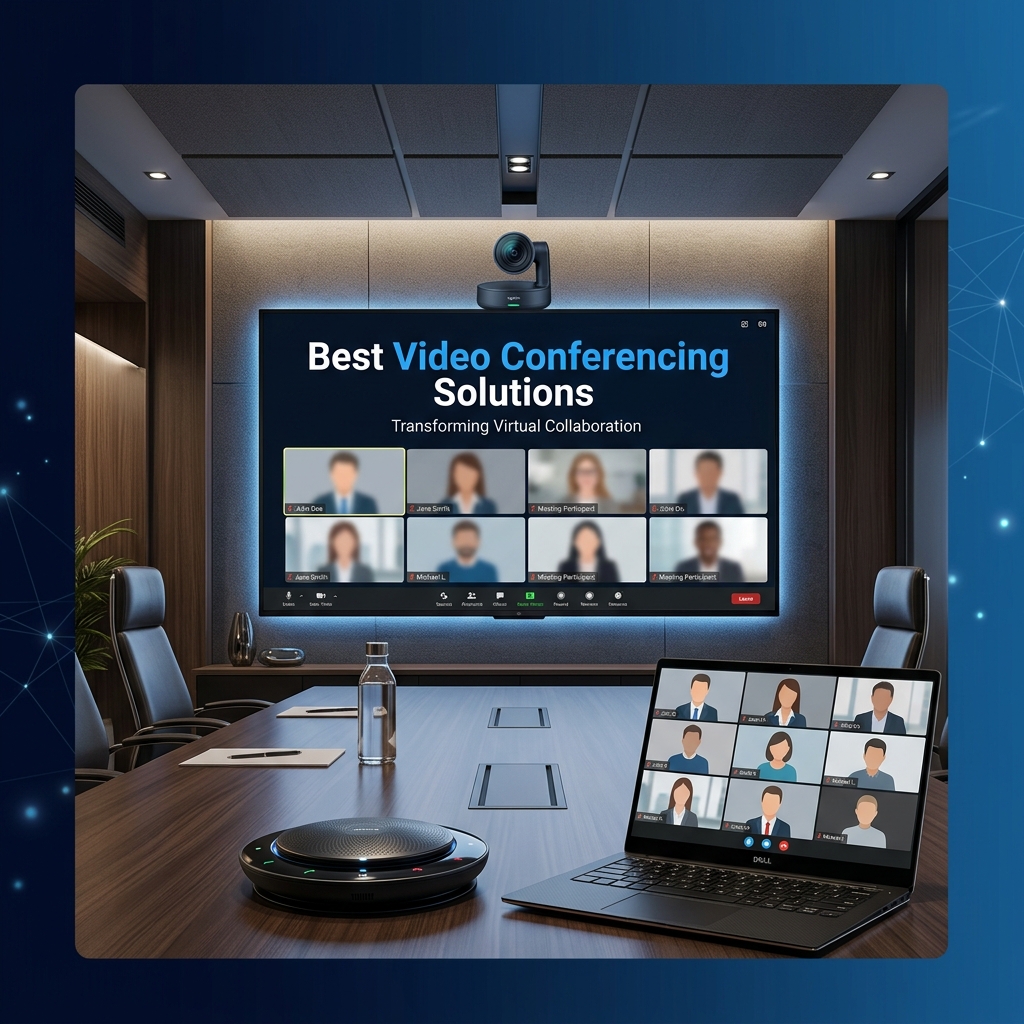
Matching the Room to the Right Setup
The "best" video conferencing solution depends entirely on the room it is going into. A 4-person huddle room, a 12-person boardroom, and a large training room all need fundamentally different hardware — buying one generic setup for every room is one of the most common and expensive mistakes businesses make.
Huddle Rooms (2-6 People)
For small meeting rooms, an all-in-one video bar — combining camera, microphone, and speaker in a single unit — is usually the right choice. Devices like the Logitech Rally Bar or similar compact bars mount below a single display and require minimal cabling, making them fast to deploy across multiple small rooms.
Mid-Size Meeting Rooms (6-12 People)
At this size, a single built-in microphone often is not enough to cover the whole table clearly. A dedicated table or ceiling microphone paired with a PTZ (pan-tilt-zoom) camera — such as those from Poly or Yealink — gives better audio pickup and the ability to frame whoever is speaking automatically.
Boardrooms (12+ People)
Boardrooms need distributed ceiling microphone arrays for even audio pickup across a large table, a dedicated codec for reliable performance, and often dual displays — one for remote participants, one for shared content. This is where investment in professional-grade audio makes the biggest difference to meeting quality.
Platform Compatibility: Zoom, Teams, or Both?
Most modern room systems support native Zoom Rooms or Microsoft Teams Rooms modes, with the option to dial into SIP-based meetings for cross-platform flexibility. If your organisation standardises on one platform, a native Teams Rooms or Zoom Rooms setup gives the smoothest one-touch-join experience; if you regularly meet with external partners on different platforms, prioritise SIP/H.323 compatibility.
One-Touch Join and Calendar Integration
The single biggest usability improvement in modern video conferencing is calendar integration — the room panel shows the day's scheduled meetings, and a single tap joins the call. This eliminates the common "does anyone have the meeting link?" delay at the start of every call.
Content Sharing Without Cables
Wireless sharing (via AirPlay, Miracast, or dedicated apps) lets presenters share a screen without hunting for the right HDMI adapter — a small feature that removes a disproportionate amount of friction from everyday meetings.
What to Prioritise When Budgeting
If forced to choose where to spend more, prioritise audio quality over camera resolution — participants tolerate average video far better than they tolerate audio that cuts out or echoes. A well-designed audio setup with a modest camera outperforms a 4K camera paired with a poor built-in microphone every time.
Getting the Right Setup for Your Rooms
We design video conferencing rooms room-by-room rather than applying one template across an office, matching hardware to room size, expected use, and existing platform standardisation. For businesses across Ahmedabad and Gujarat upgrading meeting rooms, this room-specific approach is what makes the difference between a system that gets used every day and one that gathers dust after the first few frustrating meetings.
FAQs
Do you provide video conferencing room setup?
Yes. We provide meeting room setup, conference room systems, cameras, displays, microphones, and platform configuration.
How can S.N Marketing help with Best Video Conferencing Solutions for Businesses?
S.N Marketing can review your site requirements and recommend a practical solution for planning, installation, and support.
Do you provide service in Ahmedabad and nearby areas?
Yes. S.N Marketing serves Ahmedabad and nearby business areas including Gandhinagar, Sanand, Changodar, Naroda GIDC, Vatva GIDC, Odhav, SG Highway, Prahlad Nagar, and Satellite Ahmedabad.