
Why Hybrid Meetings Are Harder to Get Right
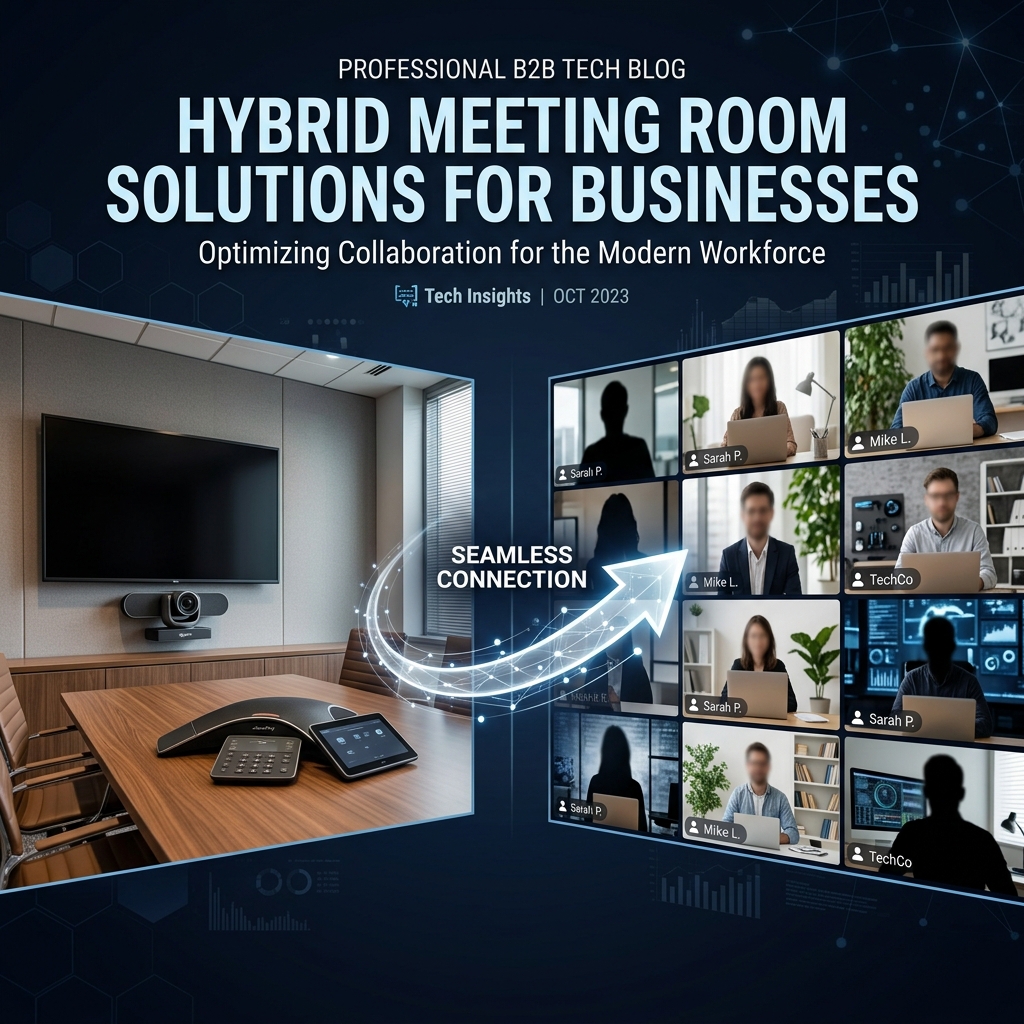
A meeting with everyone in the room, or everyone fully remote, is relatively straightforward to support. Hybrid meetings — some participants physically present, others joining remotely — create a specific set of challenges that a poorly designed room makes worse, not better.
The Core Challenge: Equal Participation
The biggest risk in hybrid meetings is remote participants feeling like second-class attendees — unable to see who is speaking clearly, unable to hear side conversations, or unable to contribute as naturally as those in the room. Good hybrid room design actively addresses this.
Camera Framing That Includes Everyone
Auto-framing PTZ cameras that adjust to show whoever is speaking, or wide-angle cameras that keep the whole table visible, help remote participants follow the conversation as naturally as if they were in the room.
Audio That Captures the Whole Room
Ceiling or table microphone arrays covering every seat are essential — remote participants need to hear every in-room speaker clearly, not just whoever is closest to a single microphone.
Giving Remote Participants an Equal Voice
Displays positioned so in-room attendees can see remote participants clearly (not a small window in the corner) helps maintain the sense that remote colleagues are equally present in the discussion, encouraging natural back-and-forth rather than the room talking mainly among itself.
Content Sharing That Works for Both
Whether content is shared from an in-room laptop or a remote participant's screen, both should display equally clearly to everyone — a common failure point where remote-shared content appears small or delayed compared to in-room shared content.
One-Touch Join for Everyone
In-room participants should be able to start the meeting with one tap from a room panel, while remote participants join via their normal calendar link — both paths should be equally simple, without one group facing more friction than the other.
Recording and Follow-Up
Hybrid meetings benefit particularly from recording or transcription, since it is easier for details to be missed when attention is split between in-room and remote participation — a recorded meeting gives everyone a reliable reference afterward.
Common Mistakes in Hybrid Room Design
- Treating the remote camera and audio as an afterthought to an otherwise standard conference room design.
- Positioning the remote-participant display where in-room attendees cannot see it naturally during discussion.
- Underestimating microphone coverage needs, since hybrid meetings make poor audio pickup more disruptive than a fully in-person meeting would.
Designing Hybrid-Ready Rooms
For businesses across Ahmedabad adapting meeting rooms for hybrid work, we design specifically around equal participation for remote and in-room attendees — not simply adding a webcam to an existing in-person meeting room setup.
FAQs
Do you provide video conferencing room setup?
Yes. We provide meeting room setup, conference room systems, cameras, displays, microphones, and platform configuration.
How can S.N Marketing help with Hybrid Meeting Room Solutions for Businesses?
S.N Marketing can review your site requirements and recommend a practical solution for planning, installation, and support.
Do you provide service in Ahmedabad and nearby areas?
Yes. S.N Marketing serves Ahmedabad and nearby business areas including Gandhinagar, Sanand, Changodar, Naroda GIDC, Vatva GIDC, Odhav, SG Highway, Prahlad Nagar, and Satellite Ahmedabad.